A Beginner's Guide to Large Language Models
Understand how LLMs work, tokenization, context windows, and how to prompt effectively.
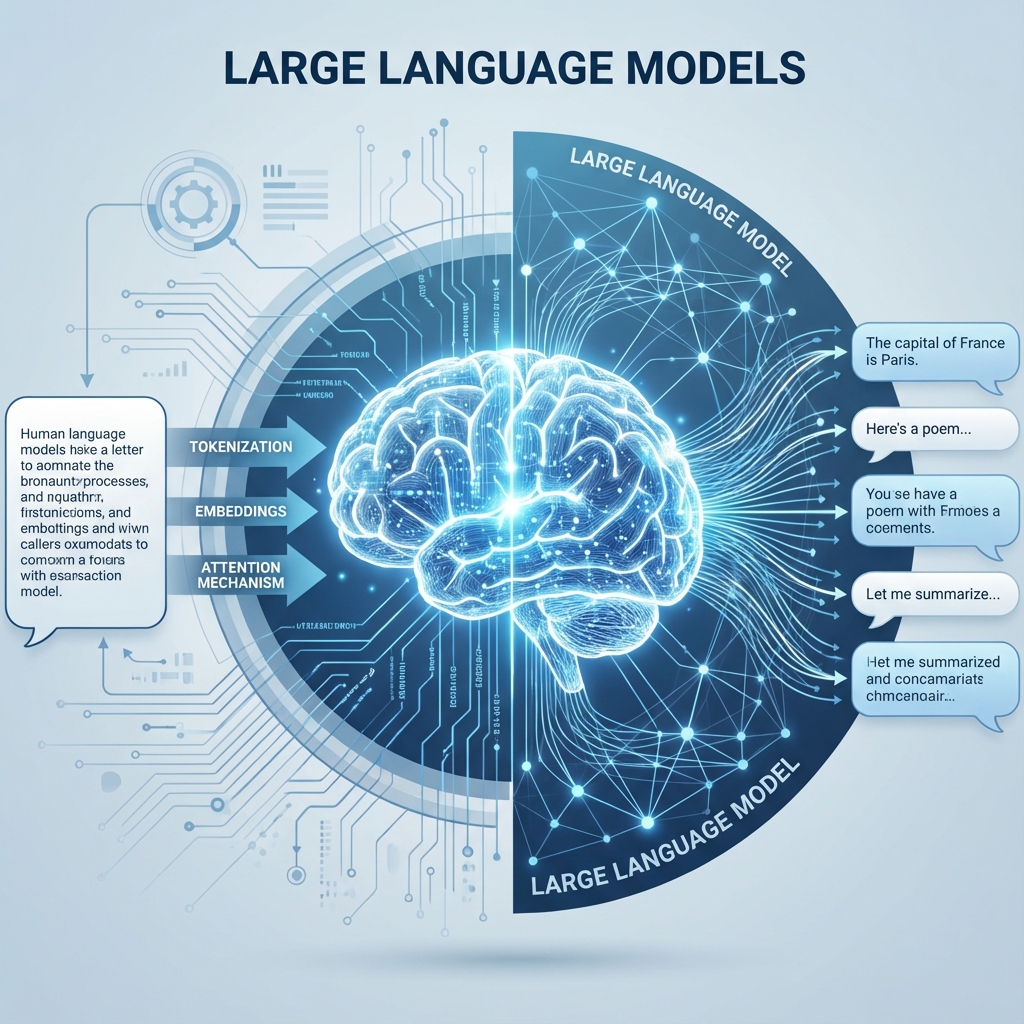
Large Language Models (LLMs) are the technology behind ChatGPT, Claude, and most modern AI assistants. Understanding how they work—even at a basic level—will make you a more effective user and help you get better results. This guide breaks down everything you need to know, no technical background required.
What is an LLM?
A Large Language Model is an AI system trained on massive amounts of text data—books, websites, code, and conversations. Through this training, it learns patterns in language: grammar, facts, reasoning styles, and even humor. When you give it a prompt, it predicts the most likely next words based on everything it has learned.
Key insight: LLMs don't "know" things the way humans do. They're incredibly sophisticated pattern-matching systems that can simulate understanding remarkably well.
What Are Tokens?
LLMs don't read words like we do—they read tokens. A token is roughly 3-4 characters of text. For example:
- "Hello" = 1 token
- "Unbelievable" = 3 tokens ("Un", "believ", "able")
- "GPT-4" = 3 tokens ("G", "PT", "-4")
Why it matters: You're charged per token when using AI APIs, and token limits determine how much context the model can handle. Roughly, 1,000 tokens ≈ 750 words.
Understanding Context Windows
The context window is the amount of text an LLM can "see" at once—both your input AND its output combined. Think of it as the model's short-term memory.
- GPT-4o: 128,000 tokens (~96,000 words)
- Claude 3.5 Sonnet: 200,000 tokens (~150,000 words)
- Gemini 1.5 Pro: 1,000,000+ tokens (entire books!)
When a conversation exceeds the context window, the model "forgets" the earliest parts. This is why long conversations can sometimes seem to lose coherence.
Temperature: Controlling Creativity
Temperature is a setting (0 to 2) that controls how random or creative the output is:
- Low temperature (0-0.3): More deterministic, factual, and consistent. Best for coding, data analysis, and factual Q&A.
- Medium temperature (0.5-0.7): Balanced. Good for general writing and conversation.
- High temperature (0.8-1.2): More creative and varied. Great for brainstorming, stories, and poetry.
Most chat interfaces use a default around 0.7. API users can adjust this directly.
The Art of Prompting
How you phrase your request dramatically affects the quality of the response. Here are proven techniques:
1. Be Specific
Instead of: "Write about dogs"
Try: "Write a 300-word blog post about the health benefits of owning a dog, aimed at first-time pet owners"
2. Provide Context
Instead of: "Fix this code"
Try: "Fix this Python function that should return the sum of even numbers. It currently returns 0 for all inputs."
3. Use Role Prompts
"You are an experienced marketing copywriter. Write a product description for..."
4. Ask for Step-by-Step Reasoning
Adding "Think step by step" or "Explain your reasoning" often improves accuracy, especially for math and logic problems.
Common Limitations to Know
- Hallucinations: LLMs can confidently state false information. Always verify important facts.
- Knowledge Cutoff: Models have a training cutoff date and don't know about recent events unless they have web access.
- Math Struggles: Despite being "intelligent," LLMs can fail at basic arithmetic. Use code interpreter features when precision matters.
- Context Confusion: In long conversations, models may mix up details or lose track of earlier instructions.
Which Model Should You Start With?
For beginners, we recommend:
- ChatGPT (Free tier): Great for learning the basics with a friendly interface
- Claude.ai (Free tier): Excellent for longer documents and more nuanced conversations
- Gemini: Best if you're already in the Google ecosystem
Once comfortable, consider the $20/month paid tiers for access to the most capable models (GPT-4o, Claude 3.5 Sonnet).
Ready to level up? Start experimenting! The best way to learn is by trying different prompts and observing how the model responds. You'll develop intuition quickly, and soon AI will feel like a natural extension of your workflow.