The Ultimate Guide to AI Image Generation in 2025
Master prompts and styles with Midjourney v7, DALL-E 4, and Stable Diffusion XL.
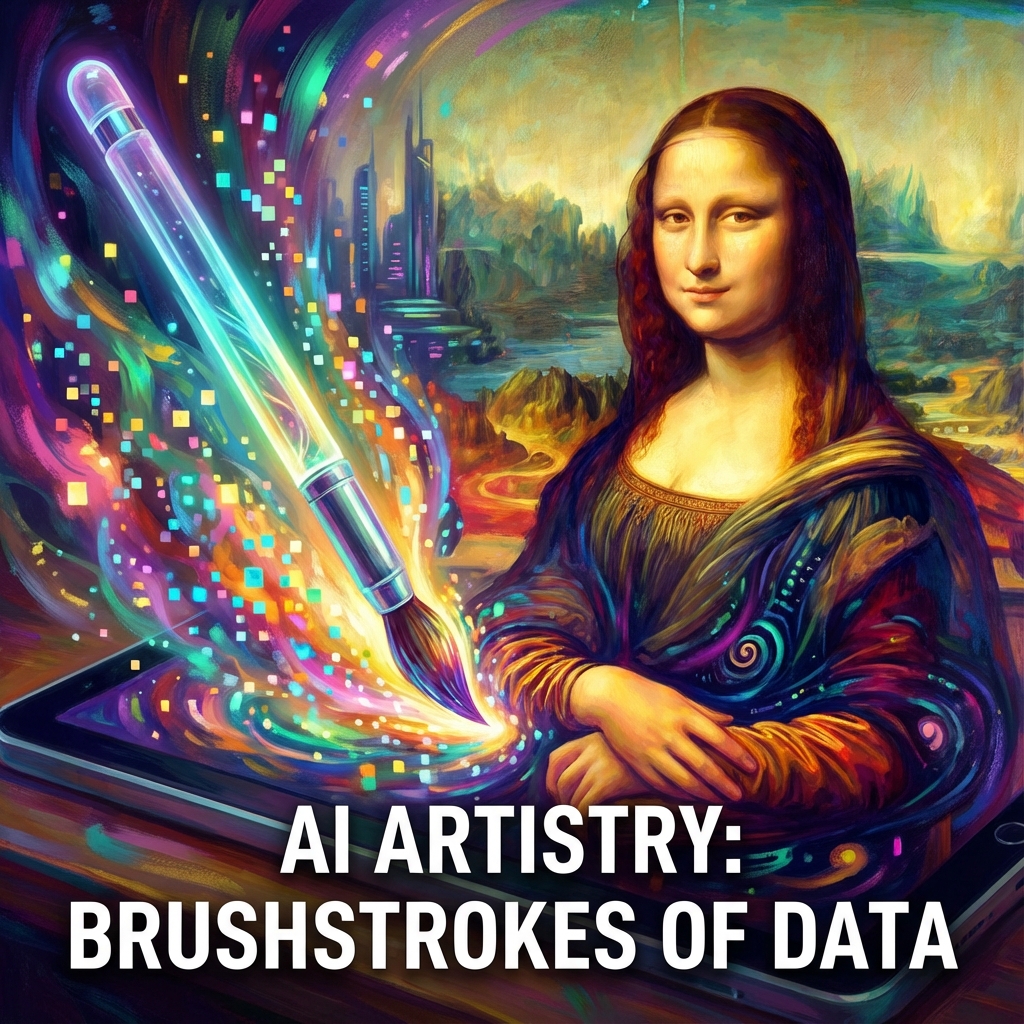
AI image generation has evolved from a novelty to a professional-grade creative tool in just two years. In 2025, these tools can produce photorealistic images, stunning artwork, and commercial-quality graphics that were impossible to distinguish from human-made content. Whether you're a designer, marketer, or content creator, mastering AI image generation is now an essential skill.
The Big Three: Midjourney vs DALL-E vs Stable Diffusion
Each major platform has carved out its niche. Here's how they compare:
Midjourney v7 ($10-60/month) remains the undisputed champion for artistic quality. Its images have a distinctive cinematic look with perfect lighting and composition. Best for: marketing visuals, concept art, and anything requiring that "wow" factor. The Discord-based interface is quirky but powerful once you learn it.
DALL-E 4 (included in ChatGPT Plus at $20/month) excels at instruction following. Need text rendered perfectly in an image? DALL-E handles it. Need an exact composition with specific elements? DALL-E understands complex prompts better than anyone. Best for: product mockups, infographics, and precise creative briefs.
Stable Diffusion XL (Free, open-source) offers maximum control. Run it locally on your own GPU, fine-tune it on your brand's style, and generate unlimited images with no subscription. Best for: developers, power users, and anyone who needs custom workflows or IP ownership.
Prompt Engineering in 2025: Less Magic, More Clarity
Gone are the days of stuffing prompts with random keywords like "8k, trending on artstation, octane render." Modern models understand natural language. Here's how to write better prompts:
- Start with the subject: "A professional headshot of a woman in her 30s"
- Add style and mood: "warm lighting, friendly expression, corporate office background"
- Specify technical details: "shallow depth of field, shot on Canon 5D"
- Use negative prompts: Tell the AI what to avoid, like "blurry, distorted hands, text"
Pro Tip: Reference real photographers or artists for style. "In the style of Annie Leibovitz" or "Ghibli aesthetic" gives the AI a clear visual target.
Advanced Techniques: ControlNet, Inpainting & Upscaling
Basic prompting is just the start. Advanced users leverage these power features:
ControlNet: Upload a sketch or pose reference, and the AI will generate an image that matches your exact composition. This is game-changing for product design and architectural visualization.
Inpainting: Select a region of an existing image and regenerate just that part. Perfect for fixing AI artifacts like distorted hands or adding missing elements.
Upscaling: Tools like Magnific AI can take a 1024px image and upscale it to 8K while adding realistic detail. Essential for print-quality output.
Commercial Use and Licensing
Before using AI art commercially, understand the legal landscape:
- Midjourney: Commercial use allowed on paid plans. You own the output.
- DALL-E: Commercial use allowed. OpenAI claims no ownership of outputs.
- Stable Diffusion: Open license, but outputs may contain copyrighted training data influences. Use caution for high-stakes commercial work.
Ethical Considerations
With great power comes responsibility. The AI art community is grappling with important questions:
- Disclosure: Always label AI-generated content in contexts where it matters (news, journalism, legal documents).
- Consent: Never generate realistic images of real people without permission, especially in compromising scenarios.
- Artist Impact: These tools were trained on human artists' work. Consider supporting the artists whose styles inspire you.
The Bottom Line: AI image generation is a skill multiplier. It won't replace creative vision, but it will make executing that vision 10x faster. Start with DALL-E if you're new (it's the most intuitive), then graduate to Midjourney for quality or Stable Diffusion for control.